 RU
RU ZH
ZH IT
IT ES
ES TR
TR JA
JA PT
PT KO
KO FR
FR DE
DE AR
AR ID
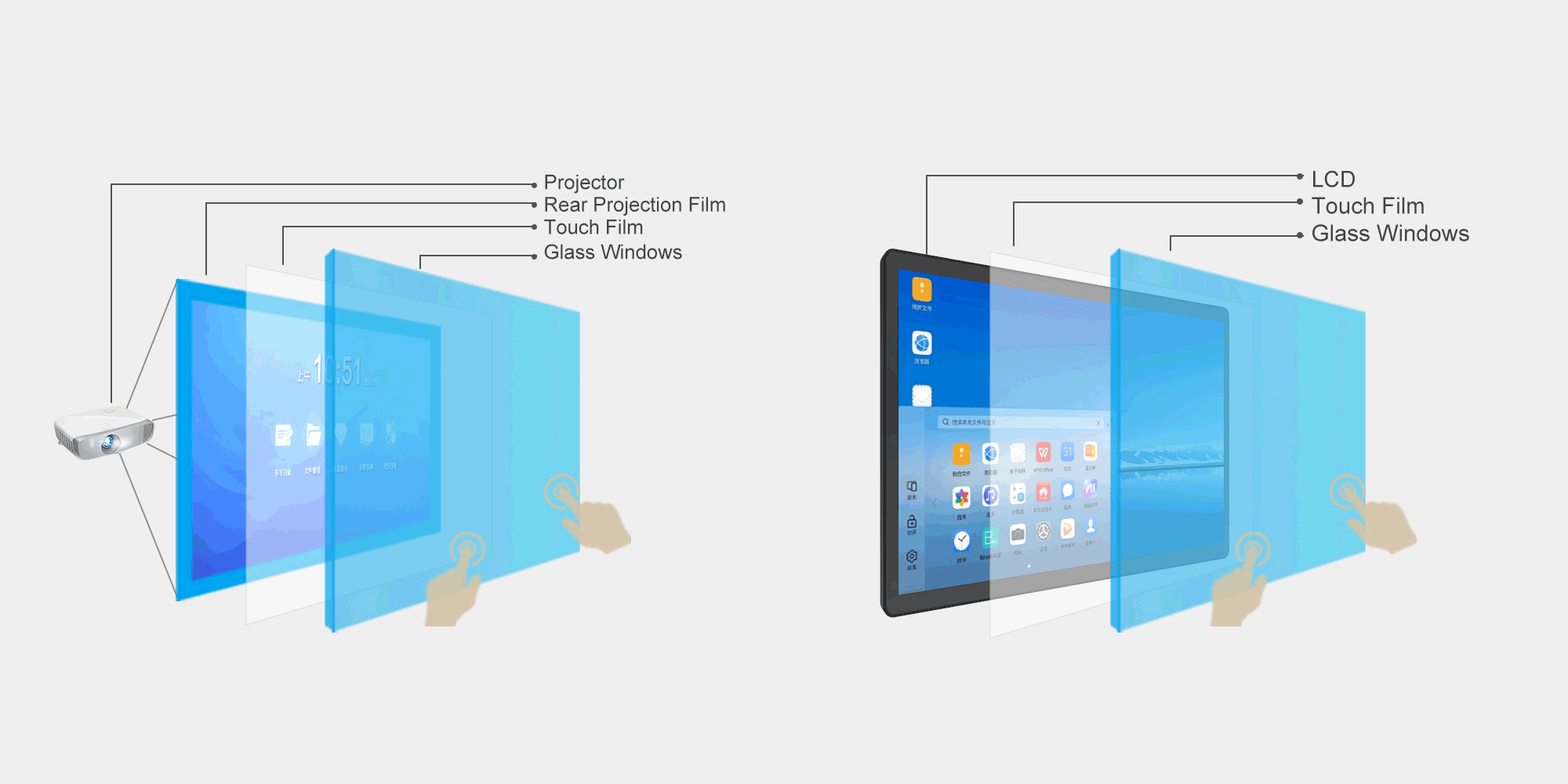
ID1. Surface Preparation: Ensure the mounting surface (e.g., the back of glass or acrylic sheet) is clean, flat, and dry.
2. Alignment and Adhesion: Peel off the protective layer of the touch film. Align the sensing side (the side with the circuit pattern) with the back of the medium, carefully adhere it, and use a scraper to remove air bubbles to ensure a smooth, wrinkle-free finish.
3. Connecting the Controller: Connect the flexible printed circuit (FPC) end of the touch film to the matching touch control board via the connector.
4. Electrical Connection: Connect the control board to a computer or main control device using a USB data cable.
5. Driver Installation and Calibration: Install the driver on the computer and complete the calibration in the operating system’s “Touchscreen Settings”.

Position: Home > Products > Touch Screens & Components > Interactive Touch Foil > Interactive Touch Foil 10.1 to 32 Inches(XTM Series)
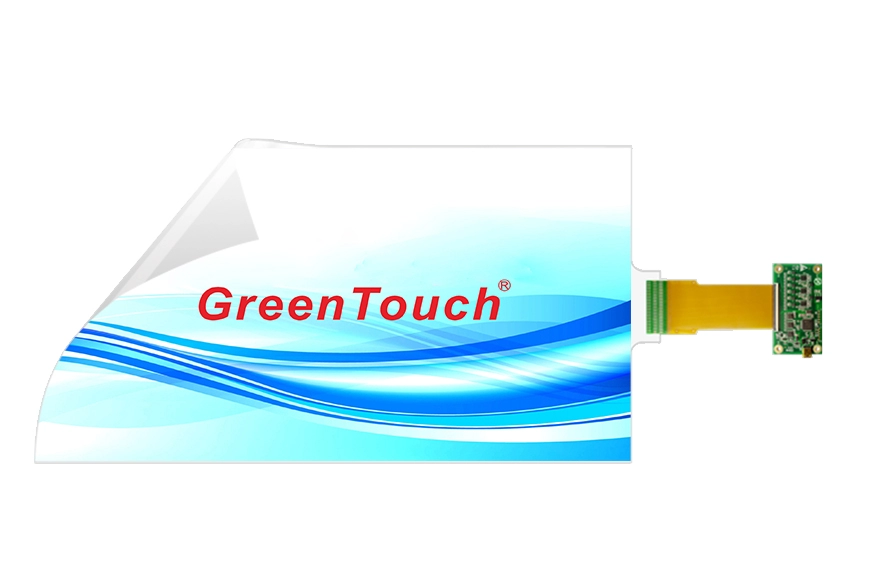
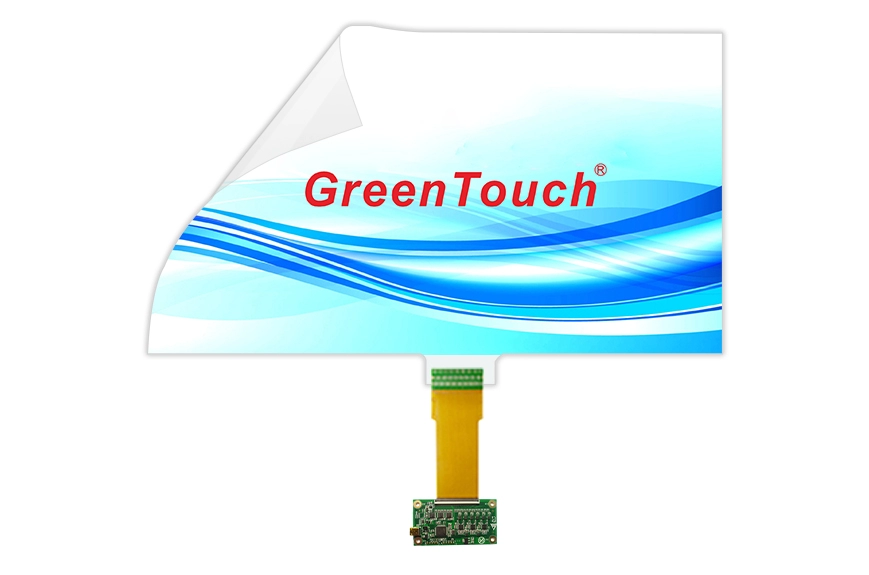
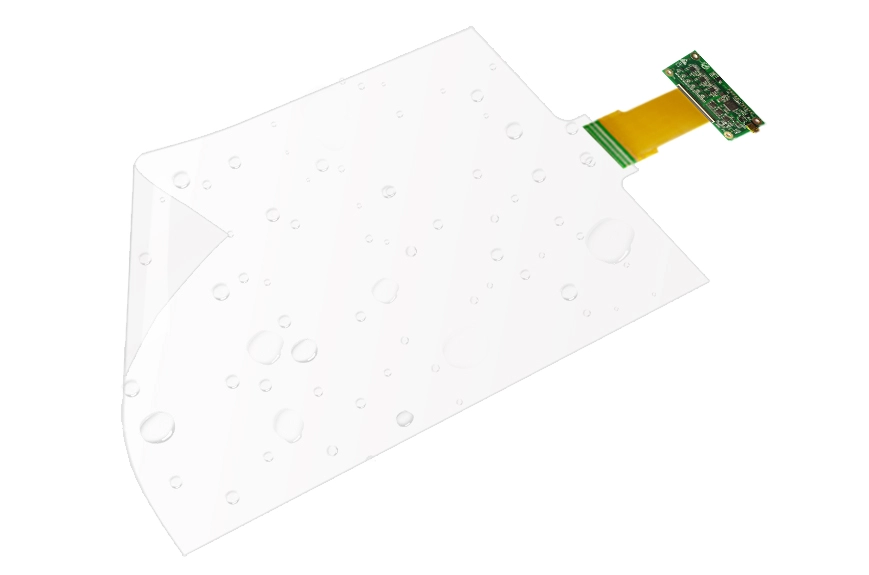
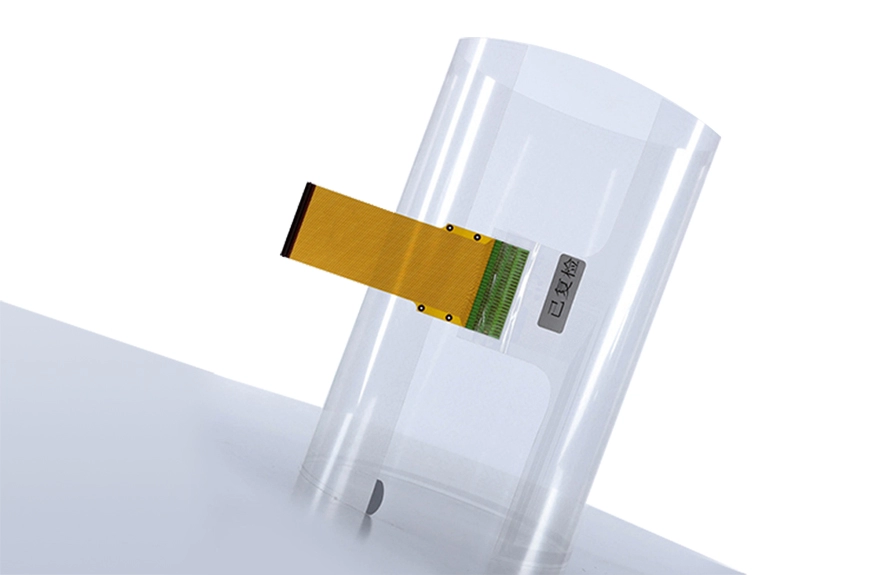
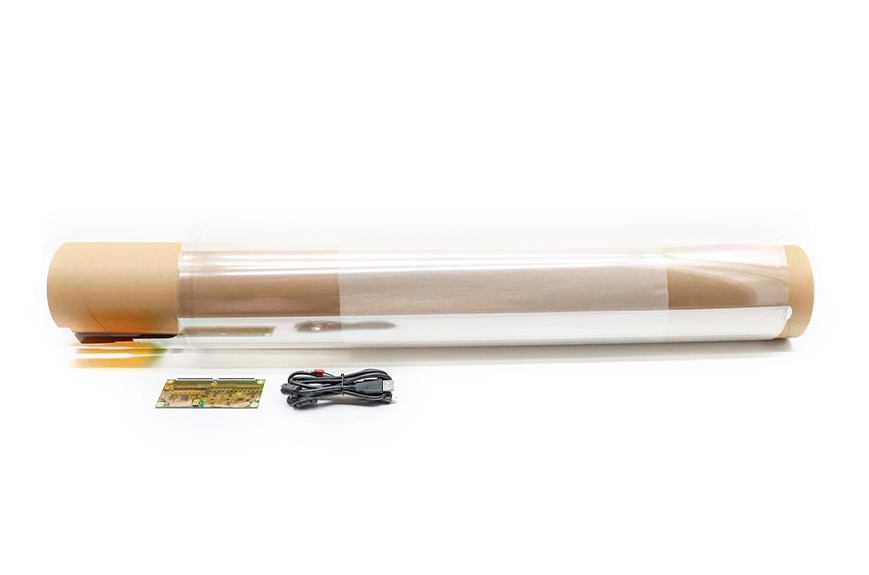
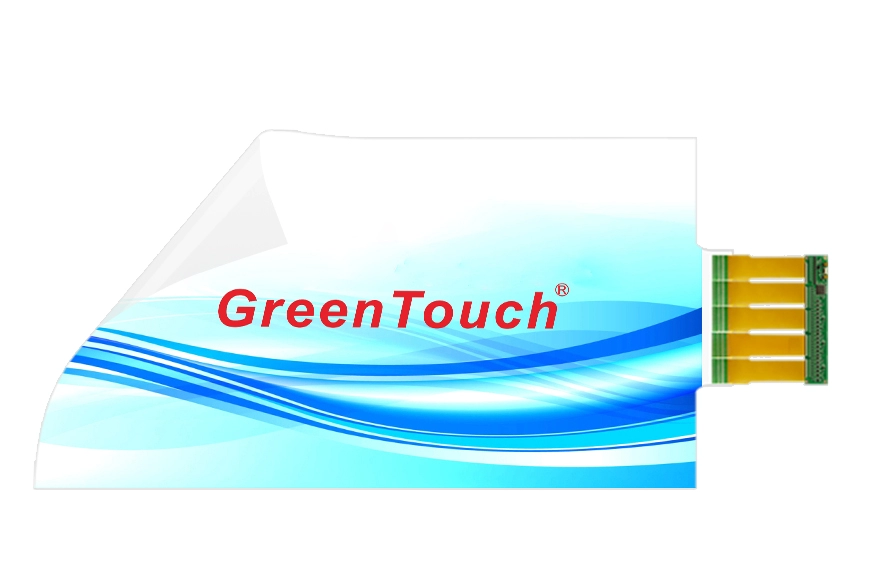
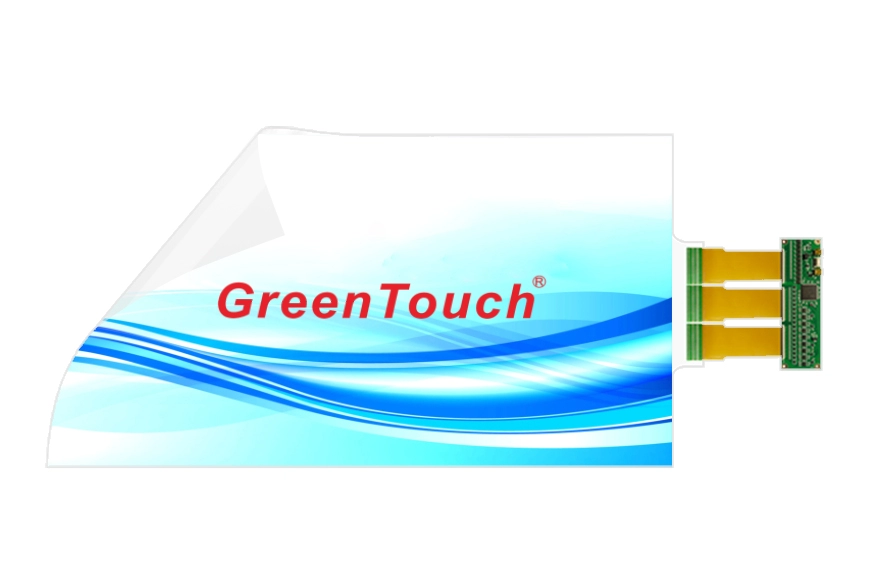
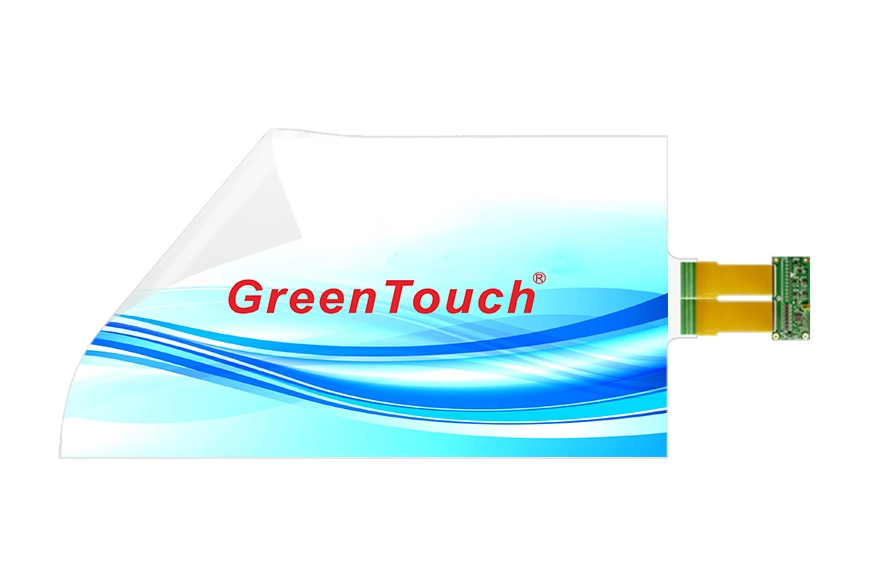
Interactive Touch Foil 10.1 to 32 Inches(XTM Series)
Product Information
Touch Type: Interactive PCAP,12 Points Touch
Material: Ultra-thin 0.2mm transparent PET film
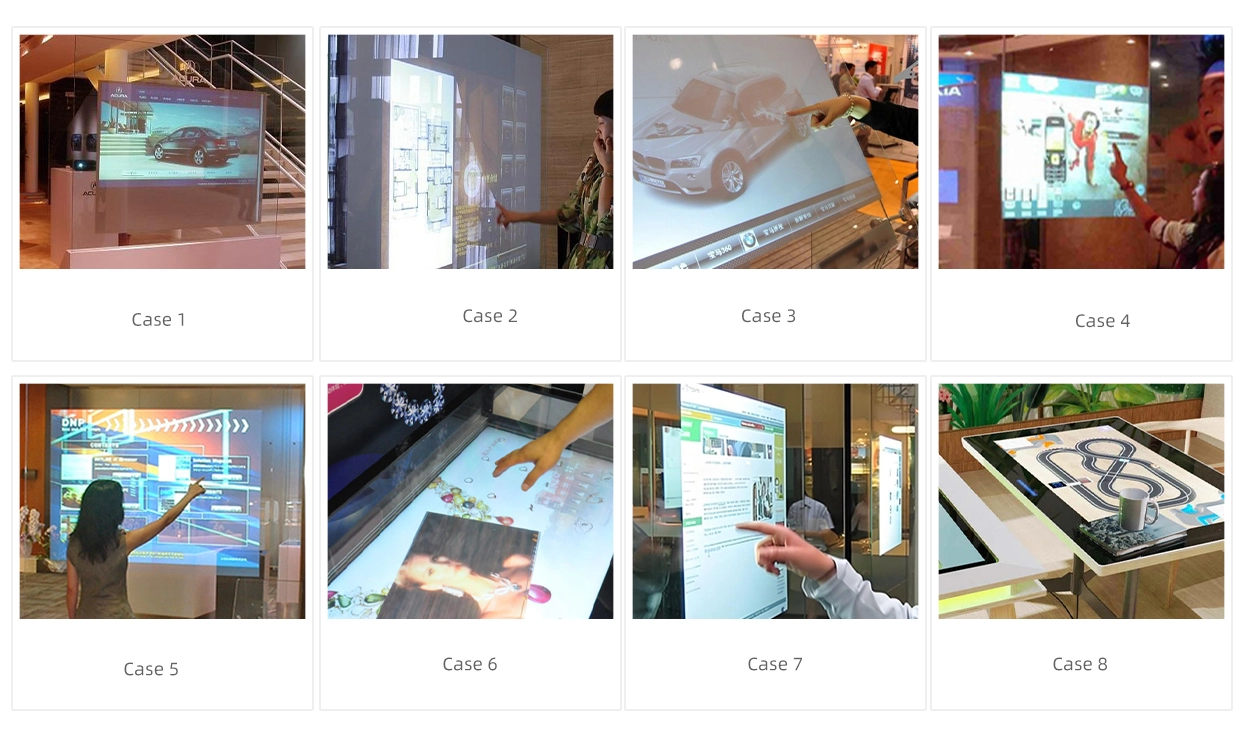
Applicable to: glass,acrylic,Polycarbonate
Packing List:Touch Foil*1,Controller*1,USB Line*1
Customizable: Size,Logo,Pasting Services,AG,AF,AR
Features
● Waterproof IP67,vandal proof and anti-pollution
● Transmittance≥93%,strong penetration,full-angle anti-glare
● Can be straight or curved,integrated no frame
● Accurate positioning and touch,no drift,no dead corner touch
● Zero pressure touch,can click,drag,zoom in,zoom out,and rotate
Mounting Steps
Specifications
-
General
Manufacturer:GreenTouch
Product Name: Capacitive Touch Foil(XTM series)
Regular Sizes:10.1”,10.4”,12”,12.1”,15.6”,17”,18.5”, 19”,21.5”,22”,23.6”,24”,27”,32”
Warranty:1-3 Year
Certificates:CE,FCC,RoHS
-
Panel
Panel Type:Film+Film
Diagonal Size:10.1 to 32 inches
Aspect Ratio:16:9,4:3,16:10
Touch Gesture:Click,Drag,Zoom,Rotate
Deviation:≤0.5mm
Transmittance:≥93%
Scanning speed:8ms/frame
Sensor:TX24 RX48
Touch Technology:Capacitive 12 touch points
Packing List:Touch Foil*1,Controller*1,USB Line*1
Touch Support System:Windows,Android,Linux
-
Environmental
Continuous Operation:24/7
Operating Temperature:–20°C to 70°C
Storage Temperature:-20°C to 70°C
Humidity: 90% relative humidity, no condensation
-
Connectivity
Interface:USB
-
Compliance
Certifications: CE,FCC,RoHS
Application Field